PictureEffectsRaw is a Xojo plugin to do effects on Raw picture buffers, that originate from MemoryBlocks. With Xojo going more for Pre-multiplied alpha channels with their Picture objects then Xojo Picture object is no longer suitable for serious image processing. But the RawBitmap class and the PictureEffectsRaw bridge that.
This plugin is handy where the plugin needs to run on Enterprise restricted environment such as various of cloud servers, or if you need to interact with other 3rd party plugins that can work on MemoryBlock. Given Xojo picture inaccuracy in Console mode then RawBitmap handling offers superior accuracy per platform and across platforms, and can handle images with 16bits per channel as well as ICC Color profiles. PictureEffectsRaw can also be used together with the Einhugur BarcodePlugin to support auto rotation in barcode detection, Einhugur GraphicsFormats plugin and some other plugins.
New in 8.5:
- Added MeshGrid class
- Added MeshWarpEffectRaw class. (Supports up to 8 CPU cores at once like most of the effect classes in this plugin)
- Added new example project
New in 8.0:
- Added HQScaleEffectRaw class which probably offers close to as good scaling as you can get without using AI (Especially for upscaling)
- Added SpotlightEffectRaw class
- Optimised plugin segments to be smaller on some platforms
- Did some minor quality improvements
- Added two new example projects
| Features | Platform Targets |
Color filters
Blur
Enhance
Rotate and scale
Render
Stylize
Artistic
Distort
Other
Low level
|
|
What You Can Do with PictureEffectsRaw for Xojo
Here are just a few possibilities in working with photos using this plugin.
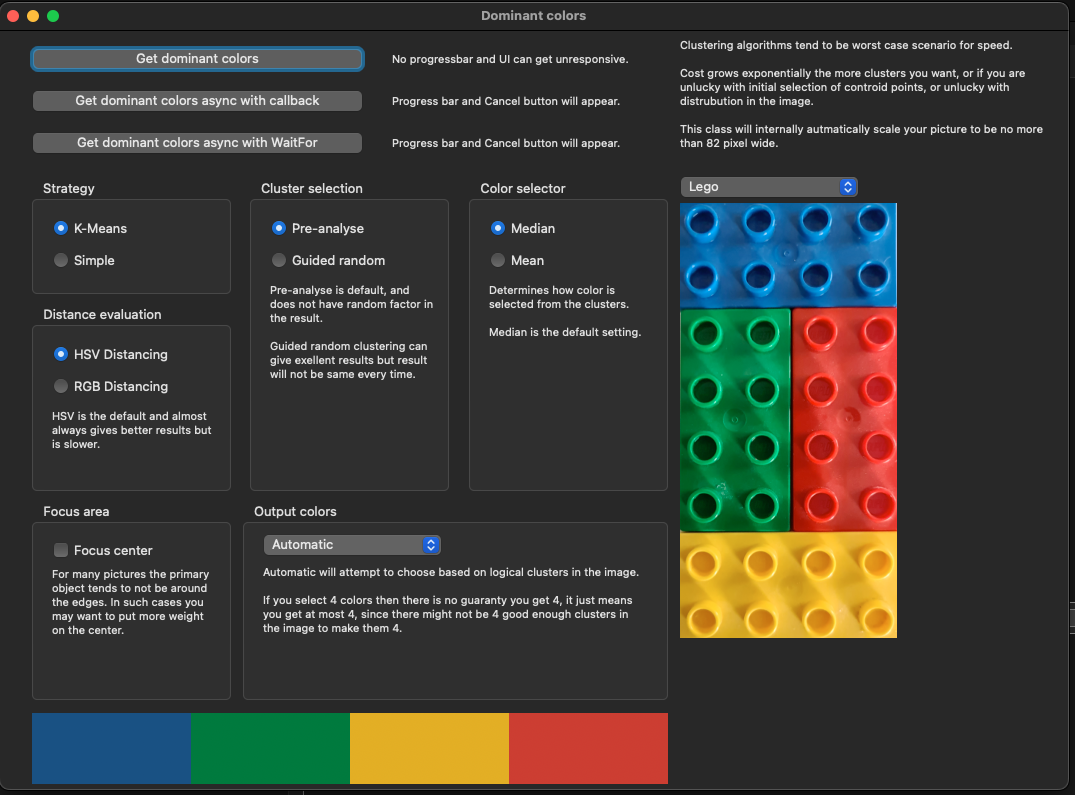
Dominant Color Detection
Dominant color detection in photography and image editing apps isa feature that uses image processing to automatically identify the most prevalent, recurring, or primary hues in a photo. It generates a custom color palette of the most visually defining tones.
Selective Color Effect
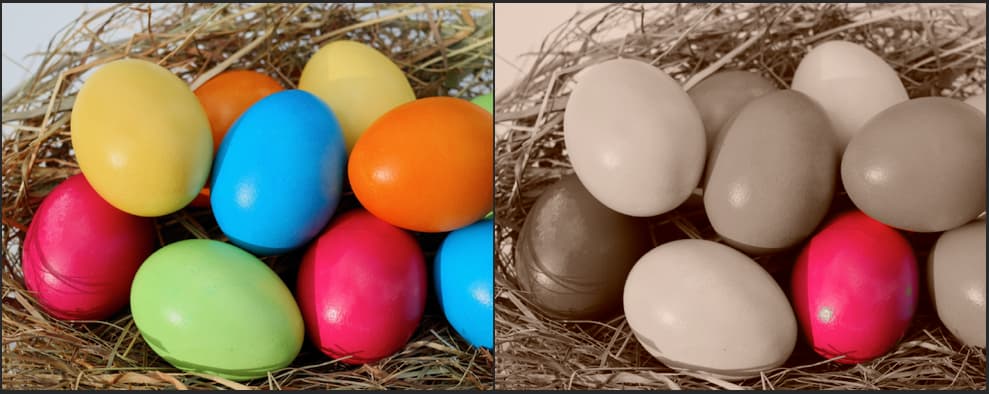
A selective color effect isolates specific hues by converting the rest of an image to black and white. Desaturate the background and leaving just one focal subject—such as a single egg in a nest of eggs. This technique instantly draws the eye.
Working with Levels
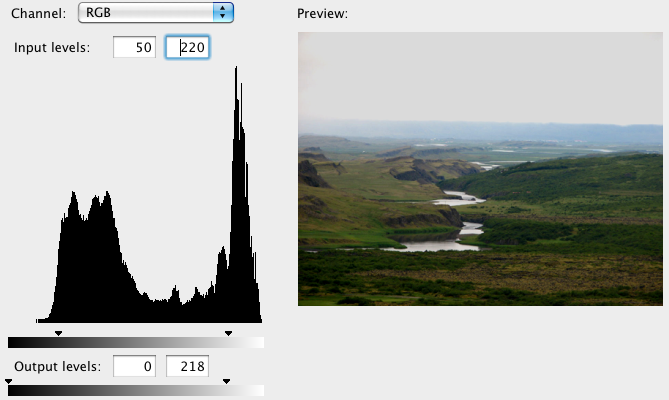
A Levels tool acts as a bridge between simple global brightness sliders and more complex tone manipulation. Many professionals consider it an essential go-to for setting exact black and white points to give images punch and clarity.
 Ω
Ω